Installation
Webform, like all Drupal modules, should be installed using Composer:
composer require drupal/webformSubmodules
Webform comes with a large number of submodules that all enable additional features, such as:
- additional element widgets
- integration with other modules
- anti-spam options
- support for adding attachments to submissions
- sending submissions to other sites, such as Salesforce
and much, much more.
To get started, you need to enable two modules:
- Webform
- Webform UI
Later in this course you will enable a few additional modules, but for now it's good to stick to just using Webform and Webform UI.
Activity 1
- Download the Webform module.
- Enable the Webform and Webform UI (User Interface) modules.
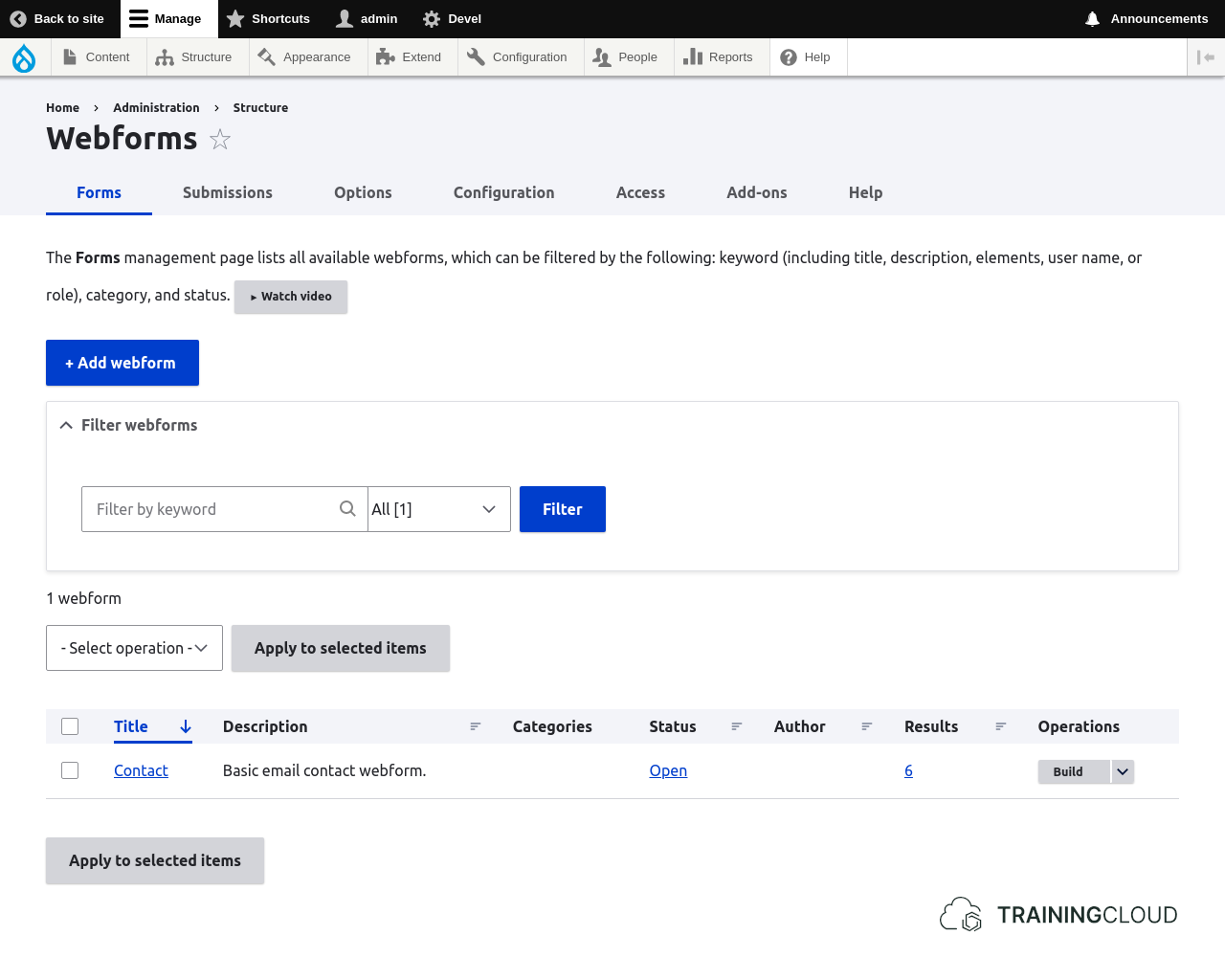
Once the module is enabled, you can manage all webforms at Administration > Structure > Webforms:
External libraries
Webform provides a number complex input elements, some of which require external Javascript libraries. Webform will try to load these libraries from your codebase, and will fall back on including them via a Content Delivery Network (CDN). You don't have to set up anything for this.
For performance and stability reasons, you may decide to not rely on a CDN, and instead download the libraries into your Drupal project's codebase. You can do this via Composer, or by running drush.
→ For more info on installing external libraries for Webform, see: https://www.drupal.org/docs/contributed-modules/webform/webform-libraries
Dealing with missing libraries
Even if you have no need for these complex elements, the fact that their libraries (dependencies) are missing is reported on your site's Status Report page at Administration > Reports > Status report:
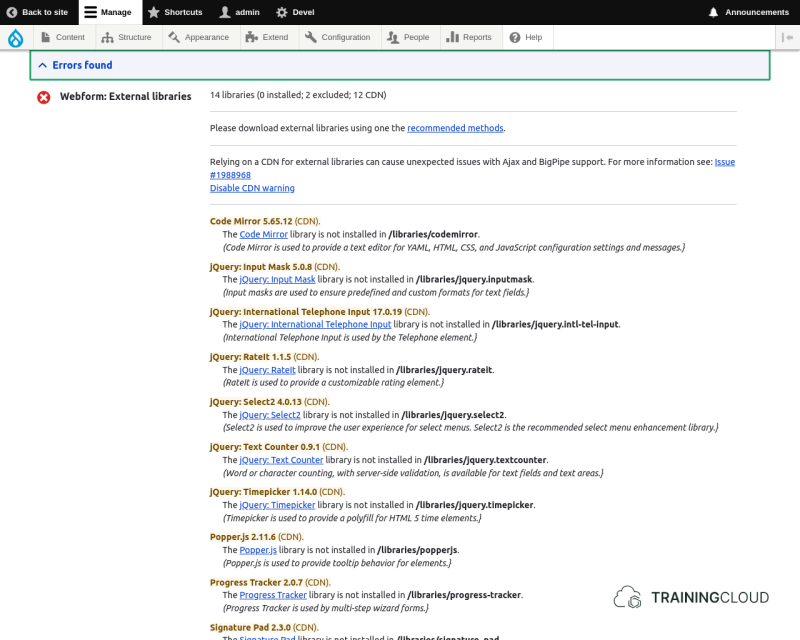
Even though though these missing dependencies are reported as "error", you do not have to install any dependencies for complex elements you don't use in your forms.
In this unit we will not use any complex element types for which you need to install any of these dependencies.
Summary
- To get started, enable the Webform and Webform UI modules.
- Some webform components require external libraries:
- External libraries can be installed via
drushorComposer, in which case they're placed in/libraries. - Missing libraries will be loaded from a CDN.
- External libraries can be installed via