Objectives & prerequisites
- being familiar with managing content in Drupal
- being familiar with basic configuration tasks in Drupal
- being familiar with managing fields on Content Types
Introduction
Webform form builder and a form submissions manager. The module lets you to build any type of form that can collect any type of data - saved to the database - using only the administration interface - no code required.
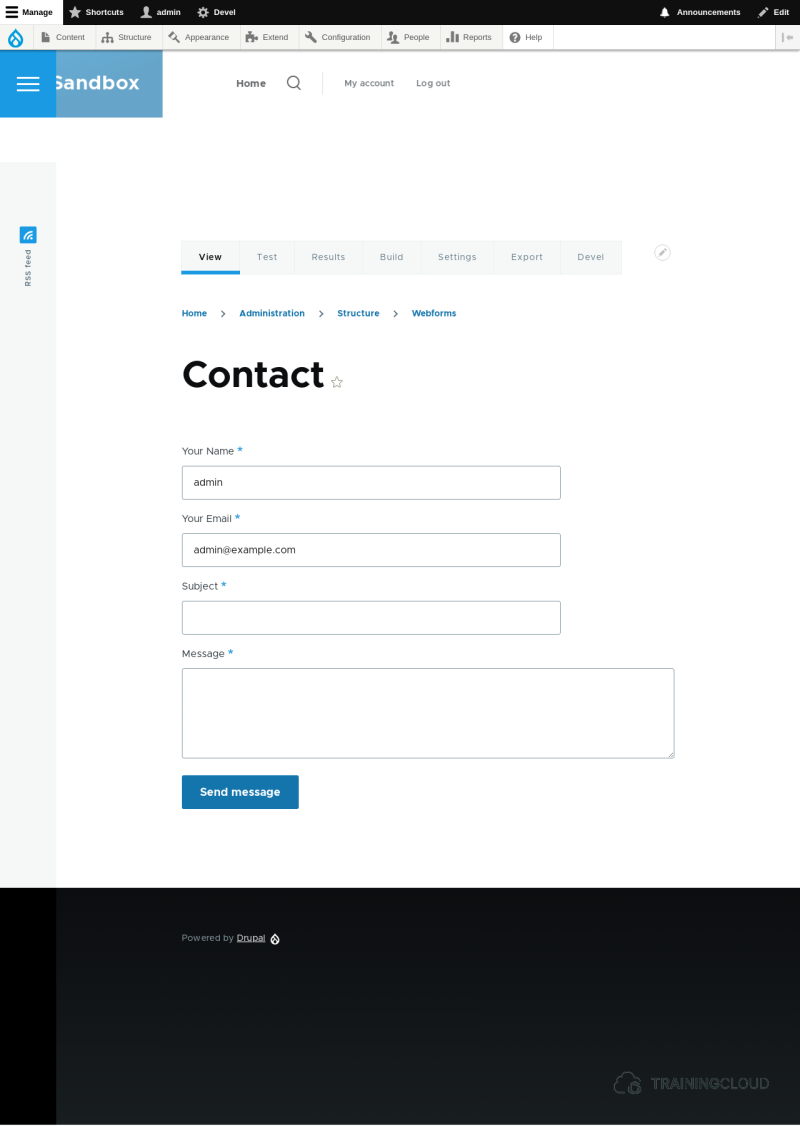
Example of a webform: the Contact form that is created automatically when you install the Webform module.
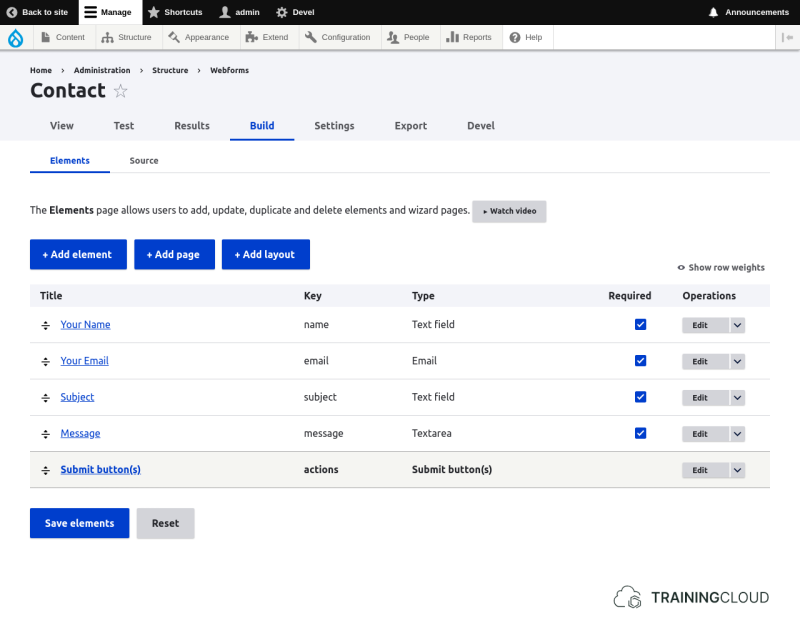
The form builder, where you manage the form's elements.
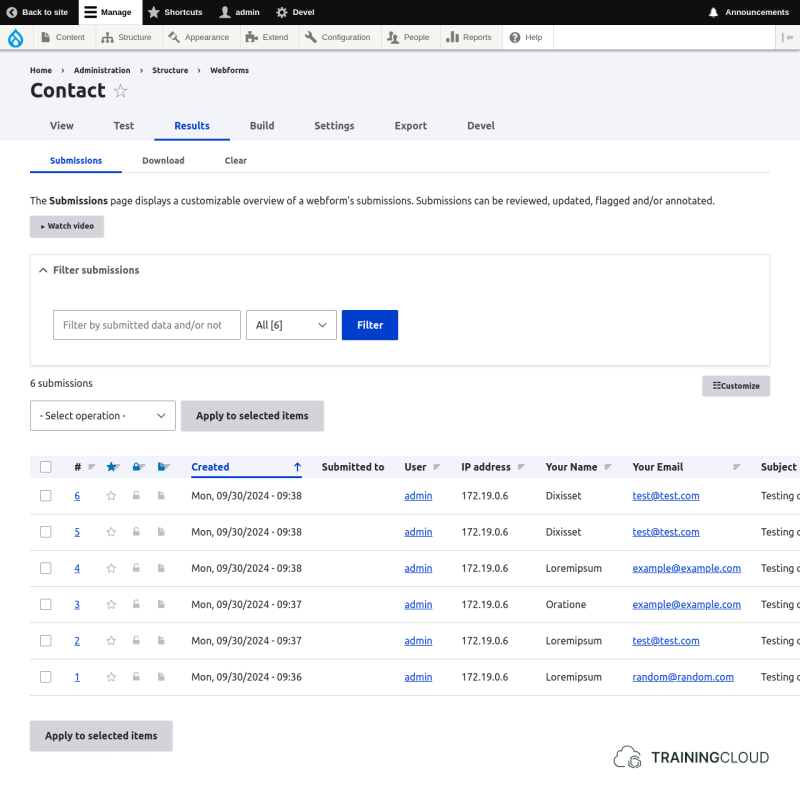
The interface where you manage this form's submissions. You can view them in different ways, and export them.
Typical webforms include:
- contact forms
- event registration forms
- newsletter signup forms
- feedback forms / surveys
- permit request forms
You can configure almost every aspect of forms: creation, submission, analytics, export, data automation, and follow-up... Webform is a mini CMS inside Drupal, just for forms!
Typical scenarios
- Build a form or copy a form template.
- Publish the form as a page, node, or block.
- Collect form submissions.
- Send confirmations and notifications.
- Review submissions online
- Export submissions to Excel (CSV format)
- Send submissions to external systems (HTTP POST requests)
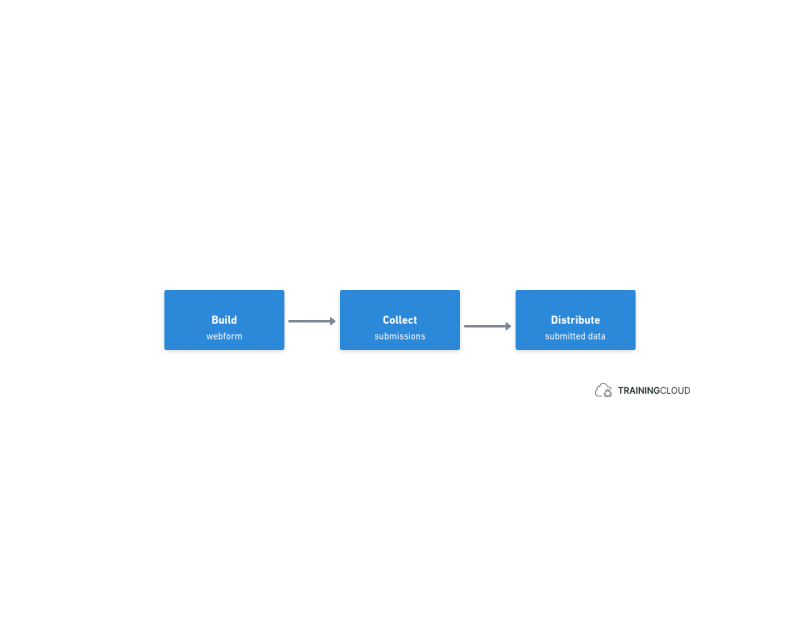
Regardless of the scenario, working with webforms comes down to:
A few examples
You can build almost any form with Webforms.
Here are three examples:
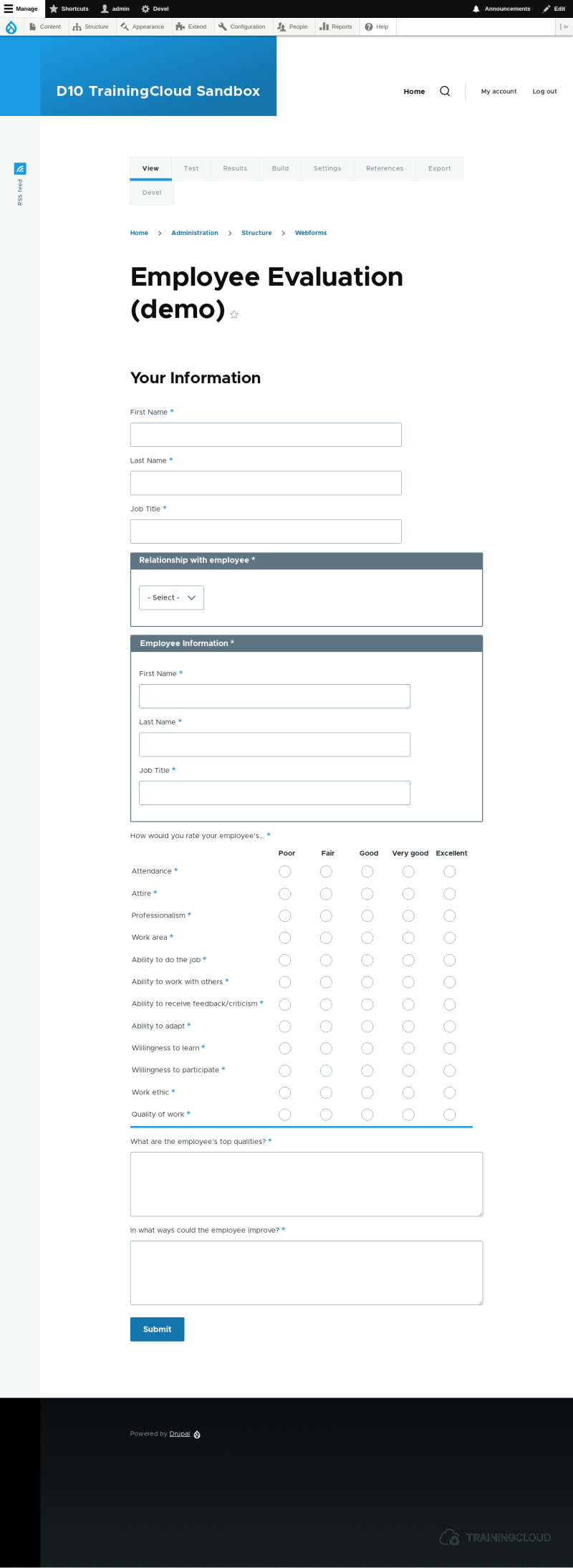
An employee evaluation form.
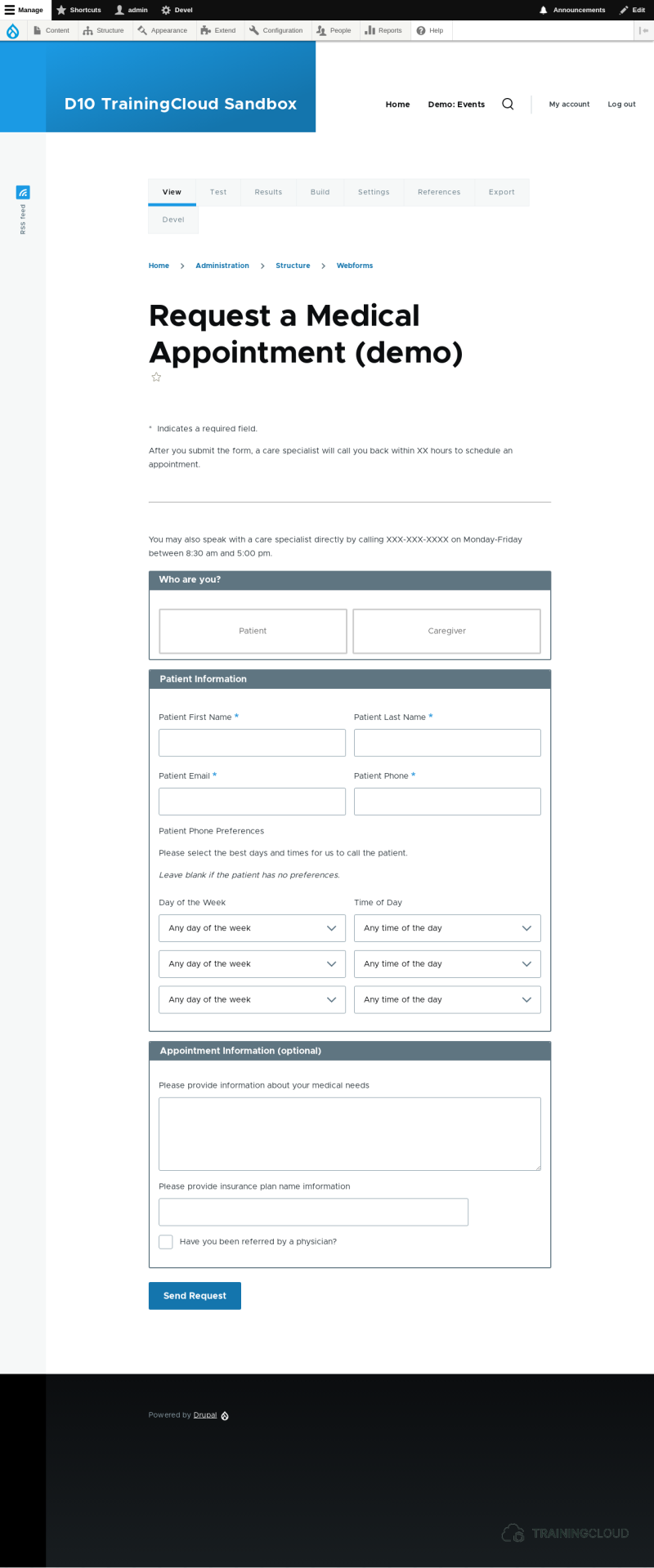
An appointment request form.
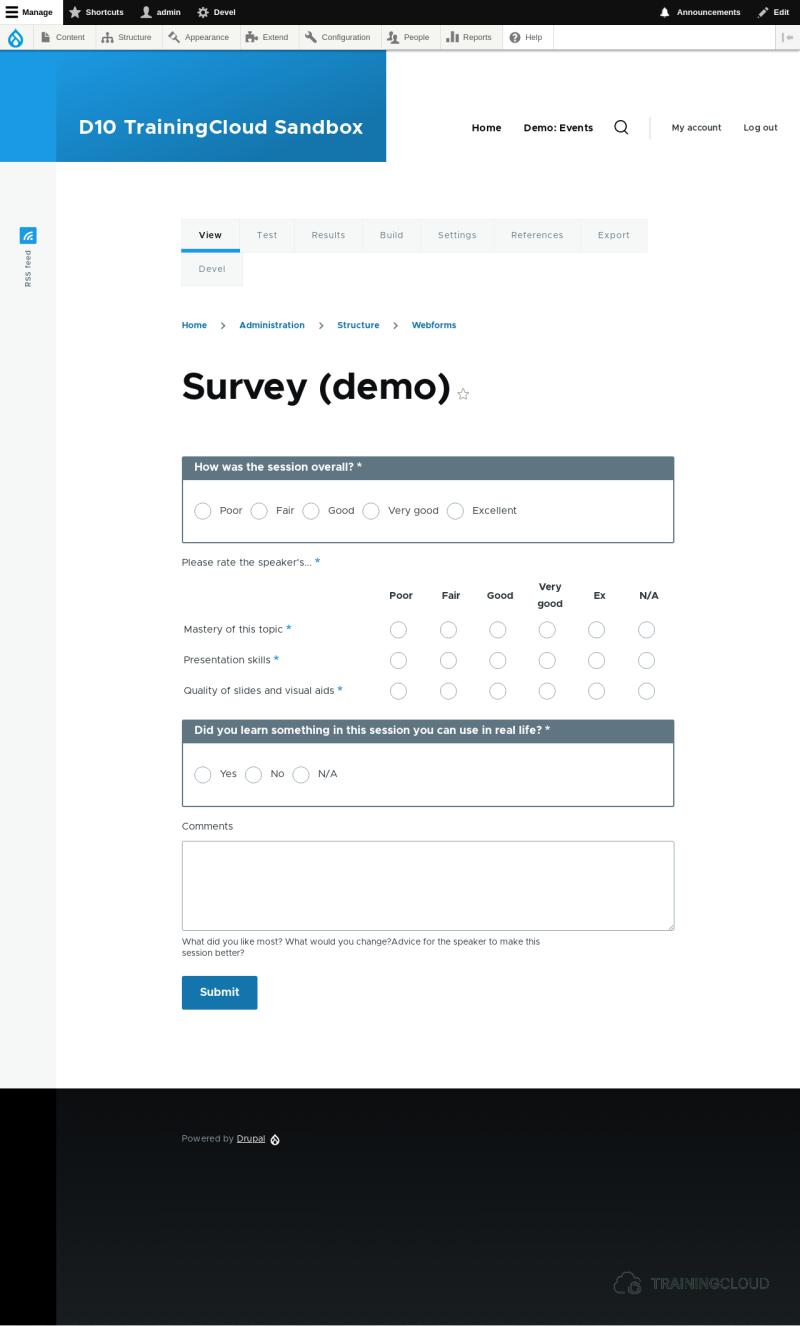
A survey form.
Summary
- Webform is a visual form builder and a form submissions manager.
- Submissions are stored in Drupal's database.
- Submissions can be exported to Excel (CSV)
- Submissions can be sent to external systems (via HTTP POST requests)