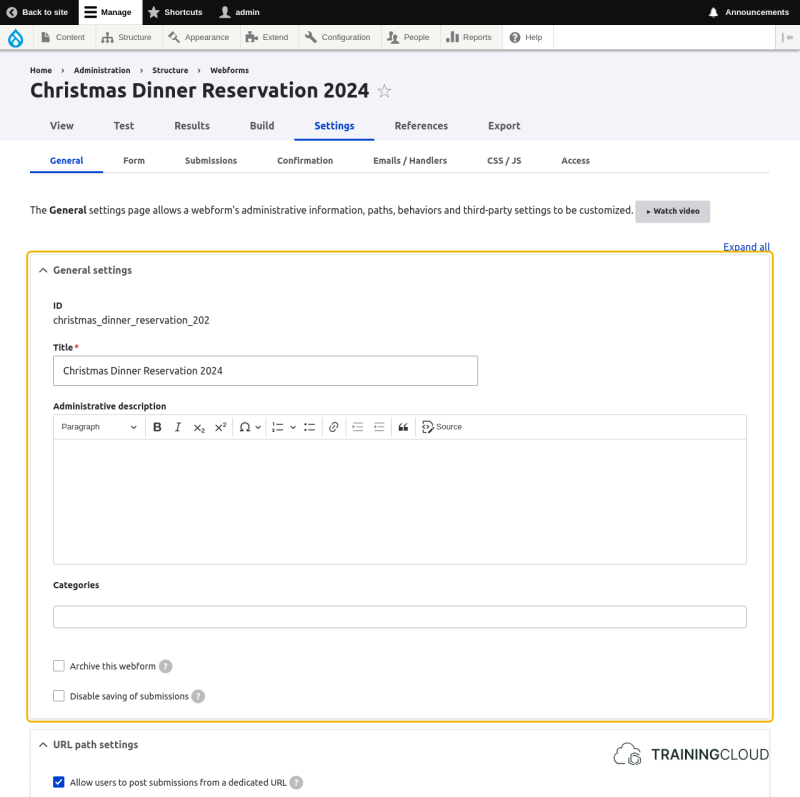
General settings
ID
This is the internal ID - also called machine name, of the form. Like other Drupal machine names, it is based on the title.
Unless you manually change the ID when you first create the webform, you can no longer change the ID.
Notice that in this case, the machine name ends in '_202' instead of '2024', because the title was too long to be used entirely for the machine name.
→ the length of webform machine names is limited to 32 characters.
Category
If you want to organize your webforms, you can create and select a category here. Specifying a category has no other impact than being able to see the available webforms, filtered by category.
Archive this webform
When you archive a webform, it is closed automatically and no longer available as a block.
Disable saving submissions
This option is not often used, but is crucial if you don't want to save webform submissions in Drupal's database, but send them to an external system, or do something else with them.
Sending submitted data to an external system is covered in the unit on "Emails & Handlers".
URL path settings
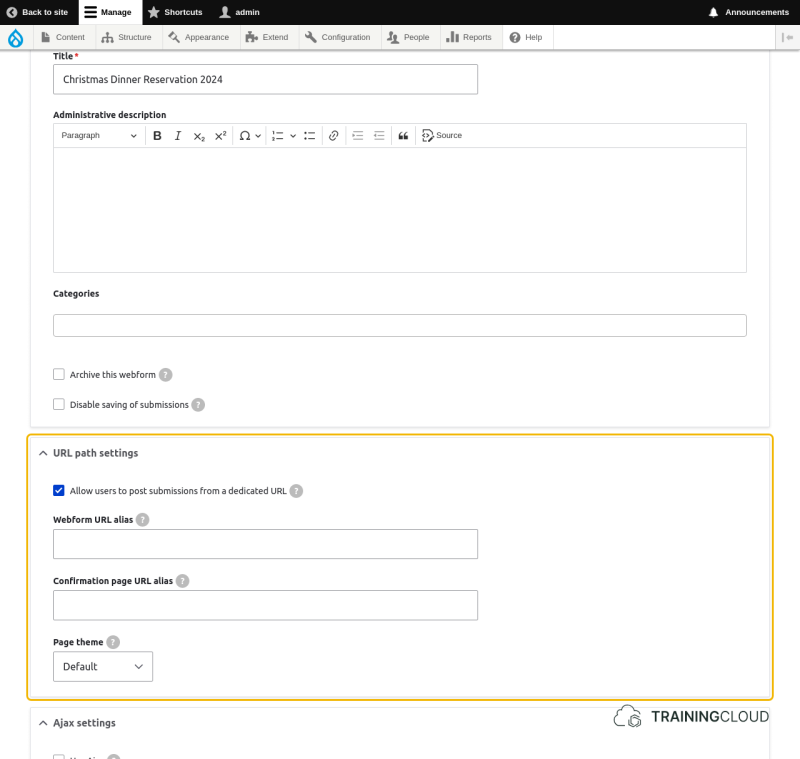
Aliases
This is where you specify aliases for:
- The form itself.
- The confirmation page you get redirected to after submission.
Note:
By default you are directed to a basic confirmation page that shows a confirmation message.
On the "Confirmation" settings page you can customize this message, or specify that users should be redirected to an entirely different page where this message is also shown. Or not. It all depends on how you, as a site builder, want to set this up.
Theme
You can specify a different theme to use when showing this form. If a different theme is chosen here, it's usually the current administrative theme.
AJAX settings
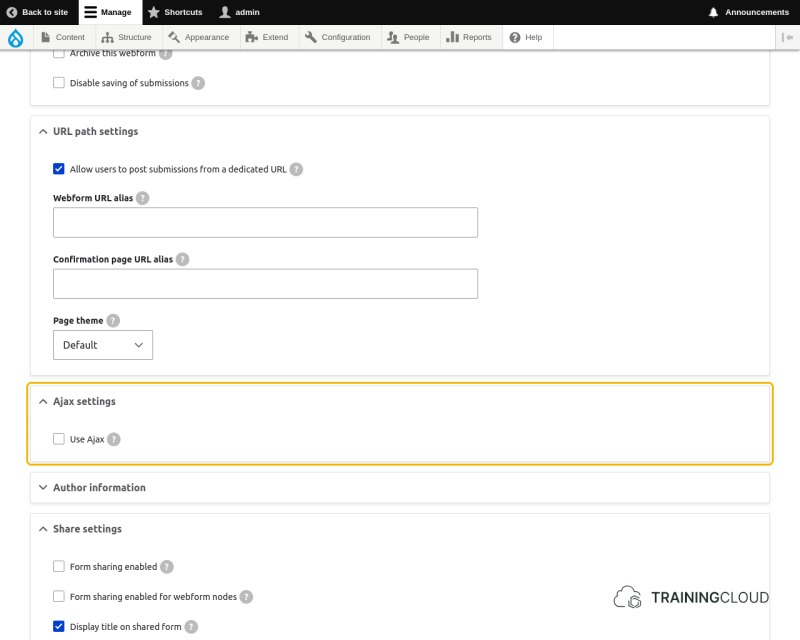
Use Ajax
"Ajax" refers to the early days of the web when using JavaScript to make requests and updating only a part of a website with the new data (instead of a full page reload) was new, and called "AJAX: Asynchronous JavaScript And HTML".
A better name, today, for this functionality would be "Dynamic page updates with JavaScript".
If you enable Ajax on a Webform, certain interactions that would normally trigger a full page load, will instead update the page in-place, without a full reload.