Last revision:
Introduction
The first part of the course covered what webforms are, and how to add and configure their form elements.
This second part of the course covers many of the configuration options for the form as a whole.
In this unit and the next units we'll give you the highlights for each of the groups of settings available. After we've gone through the highlights we'll cover a few scenarios, and you'll get your hands dirty putting theory into practice.
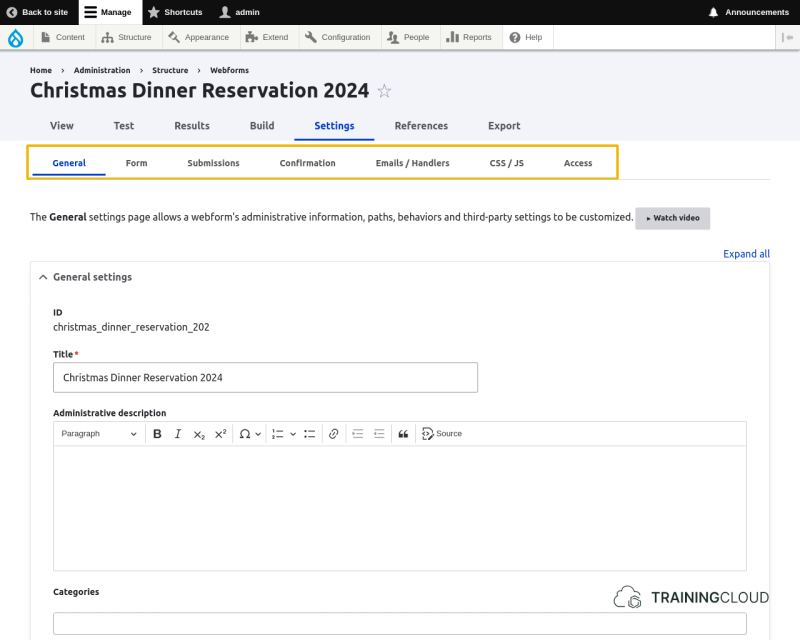
General settings
The general settings include:
- title
- description
- path alias
- author
Form settings
The form settings include:
- Open/closed status and scheduling
- CSS styles
- Options regarding navigation
- Validation of submitted data
- Progress indication
- How to show error messages
Submissions
The submissions settings include:
- Which messages to show in various situations
- Privacy settings
- Submission limits per user
- Handling incomplete forms
Confirmation settings
The confirmations settings all deal with if and how confirmation messages should be shown after a form was submitted:
- Stay on page?
- Redirect?
- Show a message?
- ...