Objectives & prerequisites
- List the steps required to make a Drupal theme discoverable.
- Explain where custom themes must be placed.
- Explain the purpose of a theme's info file.
- List the info file's key/value pairs that are absolutely required for every theme.
- Basic administrative experience building or managing a Drupal site.
Introduction
A theme is a set of configuration files, template files, and assets such as CSS files, JS files, images, and icons, all grouped together in a directory.
The most minimal theme you can create contains only one single file, the so-called info file. Clearly such a theme doesn't do much, just enough for Drupal to be able to discover it, and for you to select it as the active theme.
In this unit you will create this extremely minimal theme. In the following units you'll learn more and add functionality, templates, styles, and JavaScript step by step.
The info file
Every theme needs an info file. It describes the theme, makes it discoverable by Drupal, and optionally contains a lot of configuration related to dependencies, regions, conditional loading of CSS and JavaScript, and more.
If you've ever built a Drupal module, you'll recognise the concept of info files. Drupal themes and Drupal modules are both, technically speaking, Drupal extensions, so it makes sense that both modules and themes share the same mechanism to make themselves known to Drupal.
Example
Here's an example of the most minimal theme info file possible. It only contains the 4 required key/value pairs. (You'll learn about some of the optional key/value pairs later)
name: "My First Theme"
type: theme
base theme: stable9
core_version_requirement: ^10name: the human-readable name of the theme.type: set to 'theme' to indicate that this extension is a theme.base theme: the name of the theme that this custom theme is based upon (more on this later).core_version_requirement: indicates the core Drupal version(s) this theme is compatible with.
Info file name and file location
Unless you are working in a Drupal multisite environment, your theme directory will be the directory named themes, directly inside your Drupal root directory.
→ Refer to the unit on Managing themes for more information on the expected location of themes when using a standard or multisite Drupal installation.
Your info file must be named THEME_NAME.info.yml, replacing THEME_NAME with the name of your theme. Place this file directly inside your theme directory.
Example
If your theme is named "ACME Corporate", you would create a theme directory named, for example, acme_corp containing the acme_corp.info.yml info file
A note on YAML
The .yml and .yaml extensions indicate that they are YAML files. YAML is a format used for configuration files.
Indentation (whitespace) has meaning in YAML files, so it's very important to pay attention to the examples and ensure you reproduce it correctly.
There are only a few basic rules to learn in order to work with most yaml files. Have a look at the following resources:
Activity 1
- Create a new directory named mytheme under
<drupal-root>/themes/custom/ - Create an info named mytheme.info.yml and place it in the root of your theme's directory.
- Ensure the info file has a name, type, base theme, and core version requirement as demonstrated in the example.
Your theme location and structure should be this:
<drupal-root>/
├─ themes/
│  ├─ custom/
│  │  ├─ mytheme/
│  │  │  ├─ mytheme.info.yml
After clearing your caches, go to Manage > Appearance, and verify your theme is listed and ready to be installed.
Activity 2
- At Manage > Appearance, find your theme and install and set as default.
- Clear your caches.
- Return to the home page and note your site now looks different:
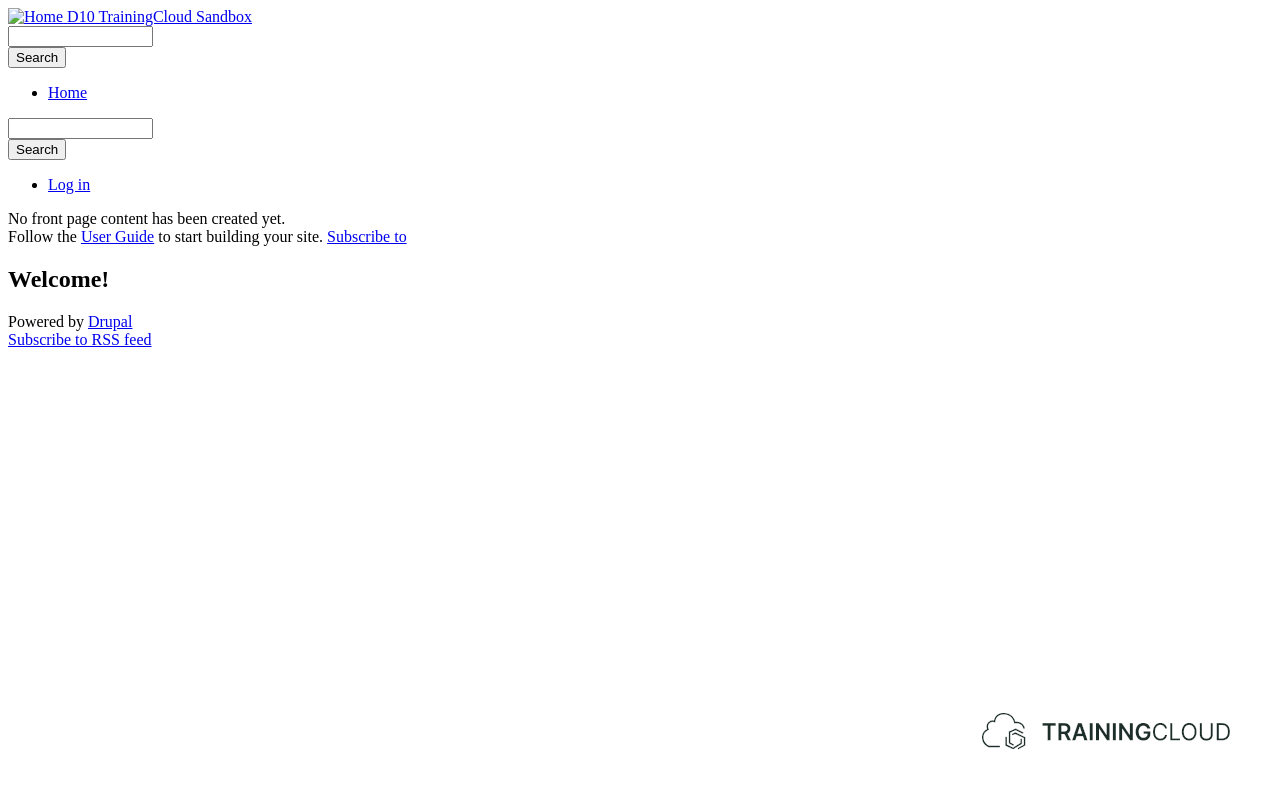
If everything went well, Drupal has discovered your new theme, and you have installed it.
At this point your site doesn't look great. This is normal: you haven't added any custom css, javascript, or template files yet. Any styling that may be visible is inherited from the stable9 base theme. We cover this theme inheritance mechanism later on.
Summary
- At the very least, a theme needs one file: an info file that describes its features and lets Drupal discover it.
- Info files must be named
THEMENAME.info.yml, replacing THEMENAME with the name of the theme. - Info files use the YAML format.