Last revision:
Overview
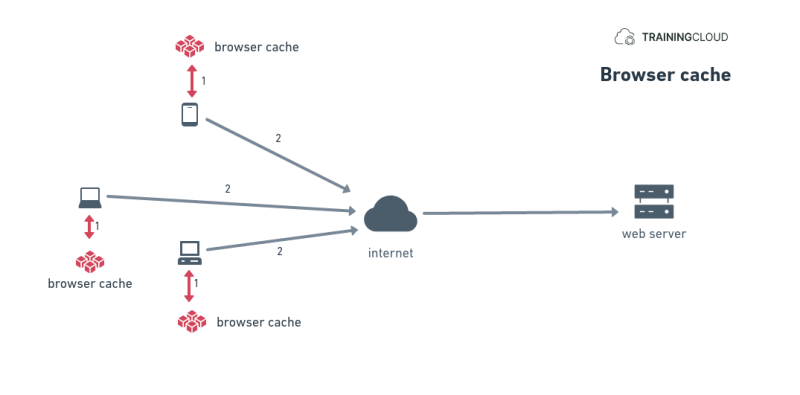
All browsers have an internal cache where they store downloaded resources such as:
- JavaScript files
- CSS files
- Font files
- HTML
They do this to avoid repeatedly downloading the exact same resource files, which speeds up page display and reduces bandwidth usage for both the visitor and the server.
As with all caches, browser caches may hold on to cached content longer than you'd like. When you know are not seeing the most recent content, you may need to clear your browser cache - you can typically do this in one time for all the content your browser has cached, or per website / domain.
If you are a web developer and are involved with larger systems with multiple cache layers, it's easy to forget that your browser itself may also be serving you stale content.
Summary
- Remember to also clear your browser cache when you are seeing stale content.