Objectives & prerequisites
Objectives
- Create a new module.
- Recreate the ColourForm example.
- Learn how to redirect a user.
Prerequisites
- Know how to build a form using the Form API.
- Can define a form route.
Last revision:
Activity
- Create a new module named
my_form_demo. - Recreate the
ColourFormexample we saw in the previous unit. - You'll need to create a form class and a form route.
- Name the class
ColourForm.
Copy/pasting the example code from the previous unit without some modifications won't work: you'll need to ensure the module name, form class name, and route name are correct.
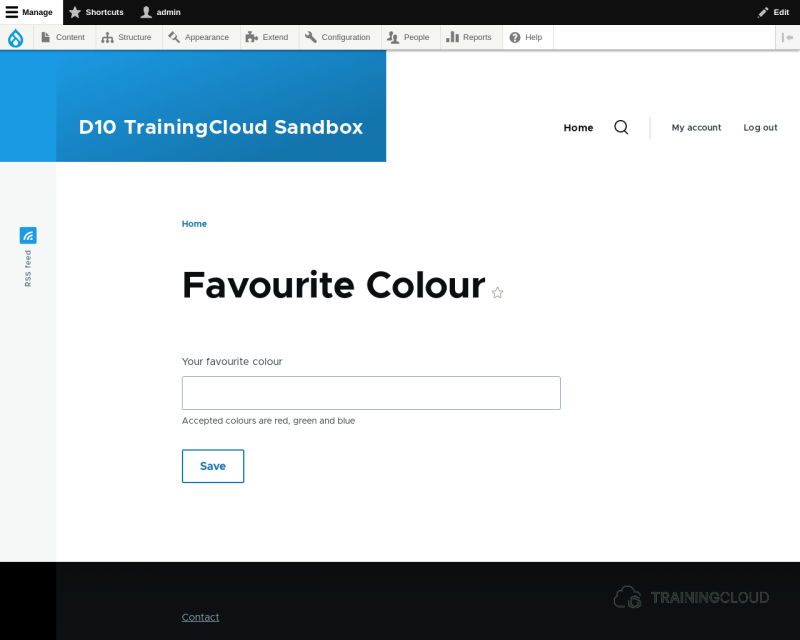
The result should look like this:
Activity
In your ColourForm, implement the submit handler (make it do something useful):
- Retrieve the submitted colour value.
- Redirect the user to
/colour/<favourite colour>, replacing<favourite colour>with the value the user submitted.
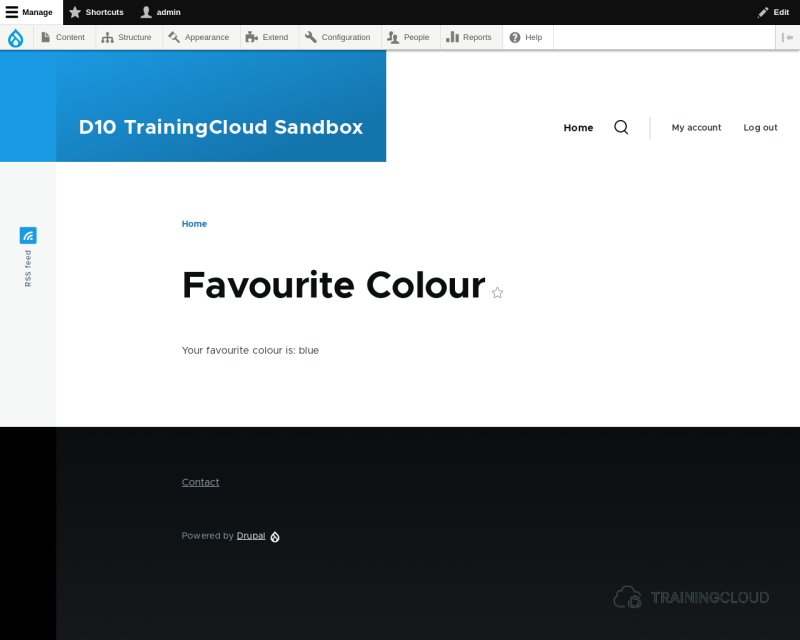
Submit your form and verify if you're being redirected to the right page, and that the right message is being displayed:
Summary
- You can redirect a form after submit via
$form_state->setRedirect(). - You can redirect users to a certain destination by providing a route; Drupal will figure out which URL (path) it needs to redirect to, based on the route's definition.